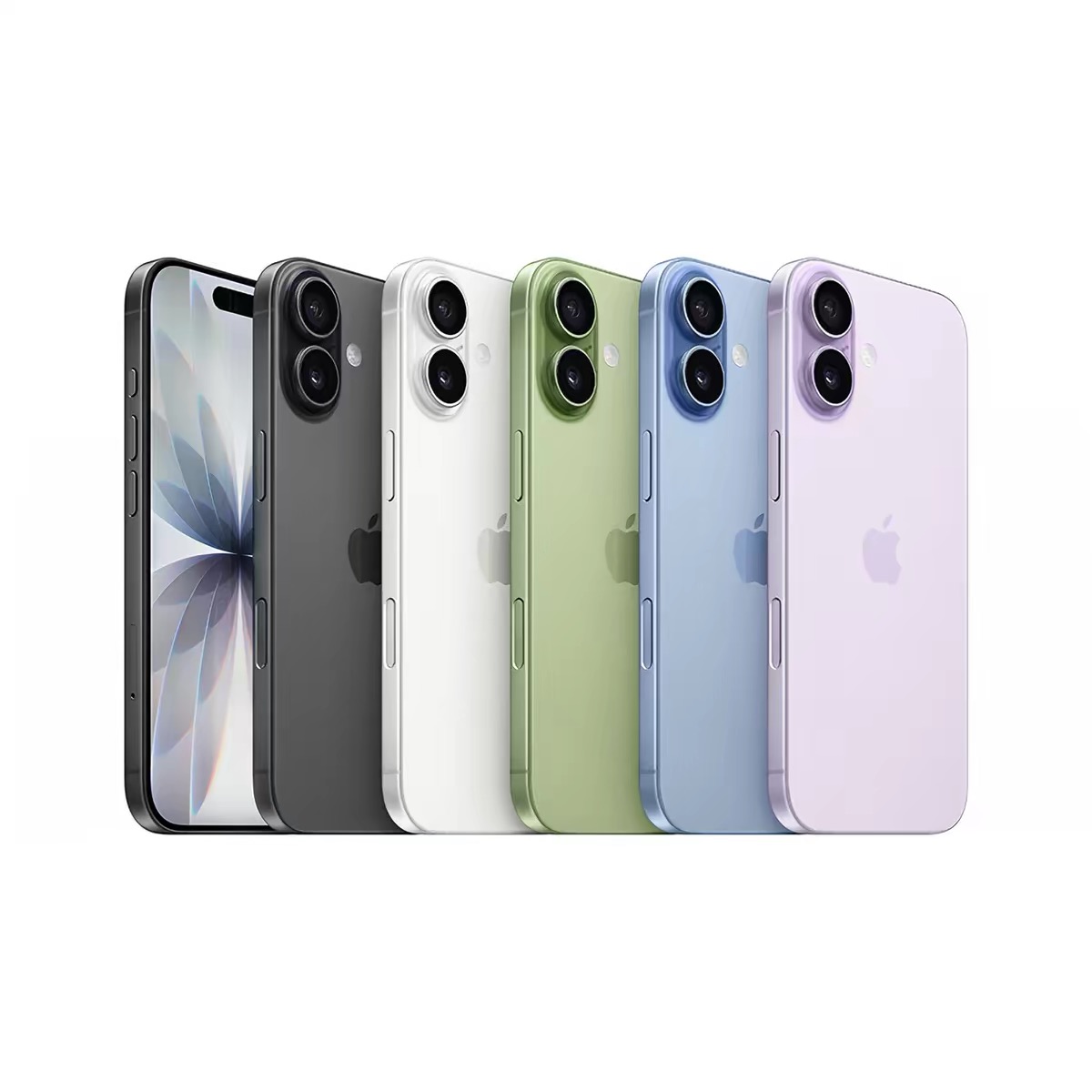
To buy an iPhone in Singapore with USDT, confirm the model and storage first, then enter a deliverable local address and use the exact amount shown at checkout. The final total can reflect product selection, shipping conditions, and the current payment region, so the checkout is the source to verify before sending.
Pick the right iPhone 17 model
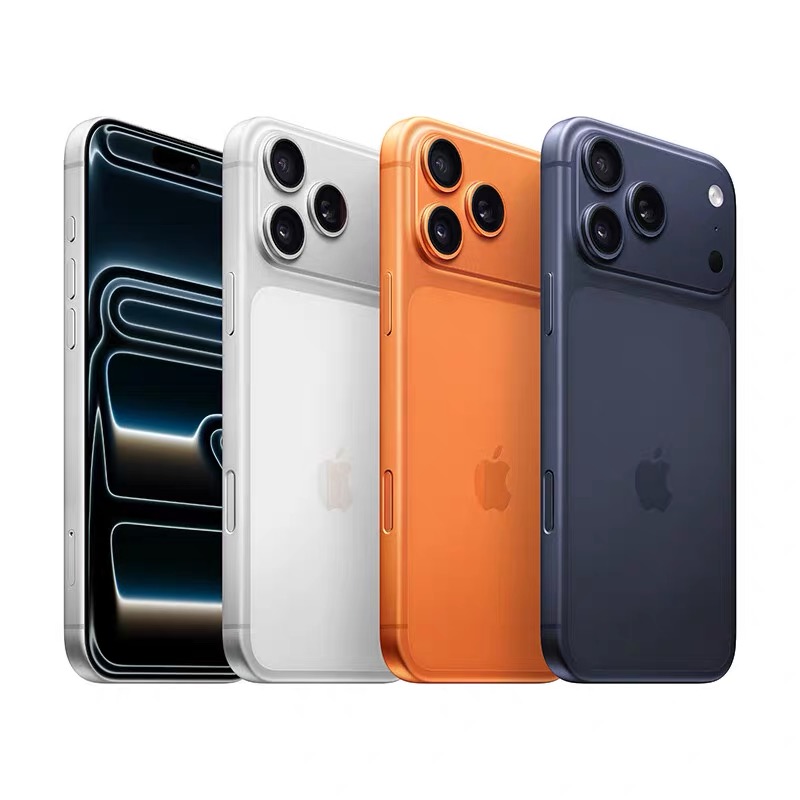
iPhone 17 is suited to everyday work, travel, communication, and photography. iPhone 17 Pro Max is a better fit for buyers who want a larger display, higher capacity, and a camera-led setup.
| Use case in Singapore | Suggested model | Confirm before paying |
|---|---|---|
| Commuting, work, and daily apps | iPhone 17 | Storage, color, postal address, and live total. |
| Large-screen video and photography | iPhone 17 Pro Max | Capacity, shipping route, and exact USDT amount. |
| Gift delivery | Recipient preference | Name, block or unit, postal code, and phone. |
Format a Singapore delivery address
Use the recipient name, block or street, building and unit number, city, six-digit postal code, phone, and email requested by checkout. Keep the address consistent with the recipient who can accept the parcel.
- Do not omit the unit number for an apartment or condominium.
- Check carrier instructions for restricted or remote delivery locations.
- Review any GST, customs, or brokerage guidance shown for the order.
- Save the order number for the tracking page.
Complete a TRC20 USDT checkout
- Choose the iPhone model, storage, color, and Singapore destination.
- Open the checkout and review the latest regional total.
- Copy the wallet address and select TRON/TRC20 in your wallet.
- Send the exact USDT amount and save the transaction hash.
- Submit the hash and wait for payment confirmations before shipment processing.
Never share a seed phrase, private key, exchange password, or one-time code. Payment support needs the order number and transaction hash for a review.
Singapore iPhone USDT FAQ
Can I buy an iPhone in Singapore with USDT?
Select a supported model, enter Singapore delivery details, send the exact TRC20 USDT total, and submit the transaction hash.
What Singapore address details are required?
Use the recipient name, block or street, building and unit number, city, six-digit postal code, phone, and email requested by checkout.
Is the Singapore checkout amount fixed in SGD?
The live checkout reflects the selected product, destination, shipping conditions, and current payment total. Verify the exact USDT amount immediately before sending.
Open the Singapore checkout
Compare the live catalogue, prepare the complete postal address, and confirm the TRC20 amount before payment.
Open Singapore checkout